


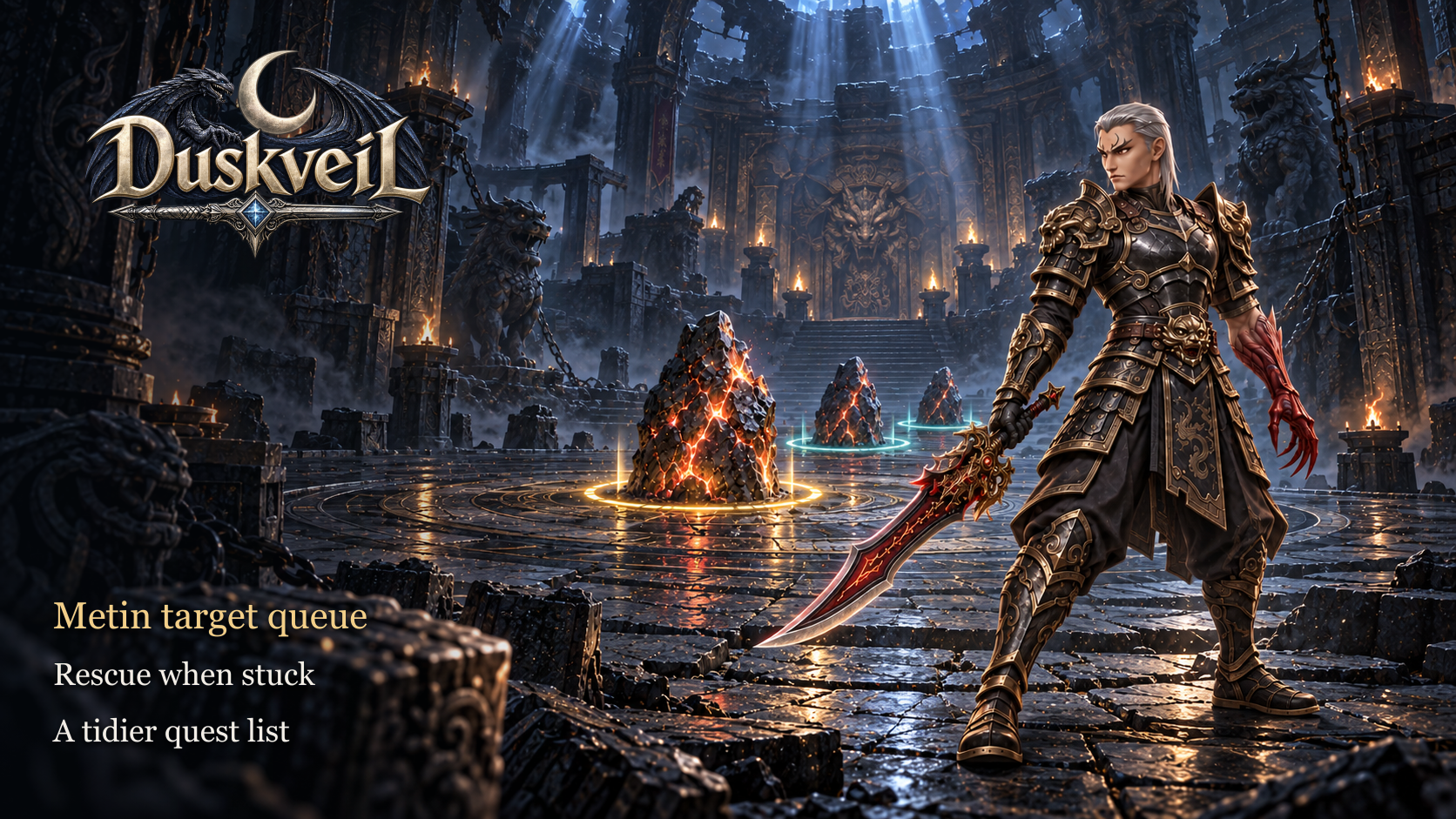
Queue your Metin targets, free yourself when stuck and keep your quest list tidy. This update brings everyday convenience, dungeon fixes and loot adjustments.
Combat performance
- Reduced FPS drops when fighting large groups of monsters and farming dense crowds. Improvements apply to both DX9 and DX11.
- Hit and damage rules, skills and class balance remain unchanged.
QoL: Metin target queue
- Hold Shift and left-click a Metin to add it to your queue. Select up to 10 targets; Shift-click a queued stone again to remove it.
- Your character attacks stones in the order you added them. When the current target is destroyed, the next one takes its place without another selection.
- Numbers above the selected stones show their order. The active target is gold and waiting targets are turquoise; the panel shows how many Metins are queued.
- Use Clear to remove all targets. Moving manually or pressing Esc also cancels the queue so you can take control immediately.
- The manual queue and auto-hunting work separately: stop auto-hunting before building a queue. Clear messages explain when the queue is full or a target is unavailable.
- Auto-hunting takes other auto-hunters’ occupied Metins into account and chooses a free target. Its next selected stone is marked in advance.
QoL: rescue when stuck
- If you get stuck, open Esc → Rescue → Free yourself. The game searches for the nearest suitable free spot within 16 metres.
- You stay on the same map and in the same dungeon instance. Rescue works on foot and while mounted; it does not send you to an exit or the next stage.
- A successful rescue has a 60-second cooldown, retained after relogging. If no suitable spot is nearby, rescue does not move you.
QoL: quests and instructions
- Trail search now credits the Managing Lady, Blacksmith and Guard at the correct NPCs. Talk to the requested character or use “Check location”.
- In the Guardian Trial, monsters that wander into terrain where combat is forbidden return to the arena. They no longer remain invulnerable and block further progress.
- Fixed button and Esc cancellation in the exchanger, temporary-weapon selection, Altar of Power, teleport and ghost-story menus. You can reopen the menu after leaving.
- Cancelling temporary-weapon selection no longer grants an item. You can select again at all eight tiers.
- Cancelling an exchange keeps your materials; leaving a teleport menu does not charge Yang or move your character.
- The Altar of Power’s decline label no longer repeats the upgrade action. Cancelling a ghost story does not advance the introduction; continue in your next conversation.
- Completed temporary-weapon stages disappear correctly and the next available stage appears immediately. Completed dungeon reminders and the OX quest clear correctly after leaving.
- The Expedition Atlas leaves the quest list after all 26 objectives and all five rewards are claimed. It remains accessible with F5.
- Russian dungeon instructions now explain stage objectives, keys, seals and transitions more clearly.
Dungeon Metin balance
- Fixed excessive damage against dungeon Metins: their defence and resistances apply again. The maximum-hit ranking for Metins will restart after the update.
- This fix applies to Metins; damage rules for monsters and bosses stay the same. Only the maximum-hit record for Metins resets; other rankings and character progress remain.
Loot changes
- Titan Shields, socket drills and Pocket Shaman books drop less often. Pet skill books and their box are removed from drops and chest rewards; existing inventory items remain. Wiki drops are updated.
 Chunjo
 Jinno
Jinno Shinsoo